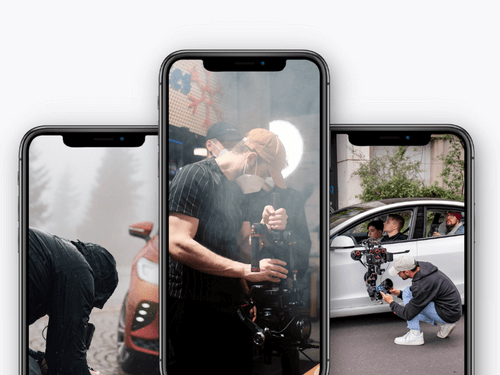

We'll produce your video course
Let’s work together.
Tell us about your company and your vision in a quick call. We’ll show you how to turn that into a video course tailored to your goals! It’s free and there’s no obligation, of course.
How do I define the objective, target audience, and outcome for my video course?
Your video course needs a clearly defined learning objective, a target audience, and a specific outcome for each lesson. The learning objective specifies what the participant should be able to do after completing the course, the target audience determines the level of detail required, and the outcome describes a measurable result.
How do I formulate an effective learning objective for my video course?
The learning objective specifies what a participant in your video course will be able to do or understand after completing a lesson or module. For video courses, the following phrasing has proven effective:
“After this lesson, the participant will be able to perform/apply/evaluate X.”
Recommendations:
- One learning objective per lesson.
- Formulate specific learning objectives
- Formulate learning objectives in a way that makes them observable and assessable.
- Tailor the outcomes closely to the learning objective.
How do I describe the target audience for my video course?
The target audience determines the tone, examples, pace, and complexity.
- Prerequisites: Beginners, Intermediate, Experts
- Problem statement: What is the key challenge that needs to be addressed?
- Motivation: Why is the target audience seeking this information?
- Challenges: Common mistakes, knowledge gaps, technical barriers
The target audience description as a pedagogical tool, but not as a marketing persona.
How do I define the learning outcomes of a video course?
The outcome describes the result that a participant is expected to reliably achieve upon completing a lesson, a module, or the entire course.
- Action or skill: What the participant is expected to be able to do.
- Context or requirement: Under what conditions this occurs.
- Quality criterion: How can you tell that the work has been done correctly?
Examples of outcomes:
“The participant conducts data research in a provided table and accurately filters out the relevant values.”
“The participant writes an email inquiry in a factually accurate manner and follows the specified formatting guidelines.”
How do I create a video course structure, including teaching methods?
A functional course structure consists of modules—short lessons, each with a specific learning objective and a clear pedagogical sequence. Each lesson should include an objective, an outcome, and an appropriate exercise.
How do I structure the video course into modules and lessons?
- Modules: thematic units, each covering a coherent area of competence
- Lessons: short subunits within a module
Recommendations:
- One overarching theme per module.
- One learning objective and one outcome per lesson.
- Keep lessons as short as possible, between 2 and 10 minutes.
- Organize the content so that each section can be understood on its own.
What teaching principles are suitable for video courses?
There are several fundamental instructional best practices for video courses that have been proven to improve learning outcomes:
- Focus on one key concept per lesson
- Explain – Demonstrate – Apply: First explain the concept, then demonstrate it, and finally guide the students through the exercise.
- Engagement through small exercises such as mini-quizzes, brief review questions, or tasks.
- Consistent format: the same structure in all lessons.
- Eliminate unnecessary elements: remove anything that distracts from the learning objective.
How do I plan the content for my video course?
To plan the content of your video course, you’ll write the lesson scripts, create a shot list, and gather all the materials you’ll need for production.
How do I create a script for a video lesson?
A script specifies what is said, in what order, and which elements are shown or demonstrated. It serves as a guide that speeds up the recording process and minimizes retakes.
- Define the learning objective and outcome of the lesson
- List the key points in logical order
- Formulate technical terms, definitions, and examples
- Predefine transitions between sections
- Note the estimated time for each section
How do I create a shot list?
A storyboard or shot list translates the script into visual and technical instructions:
- Which slide, graphic, or demonstration appears when?
- When does the speaker appear on screen?
- What camera or screen views are required?
- Where are zooms or cross-fades appropriate?
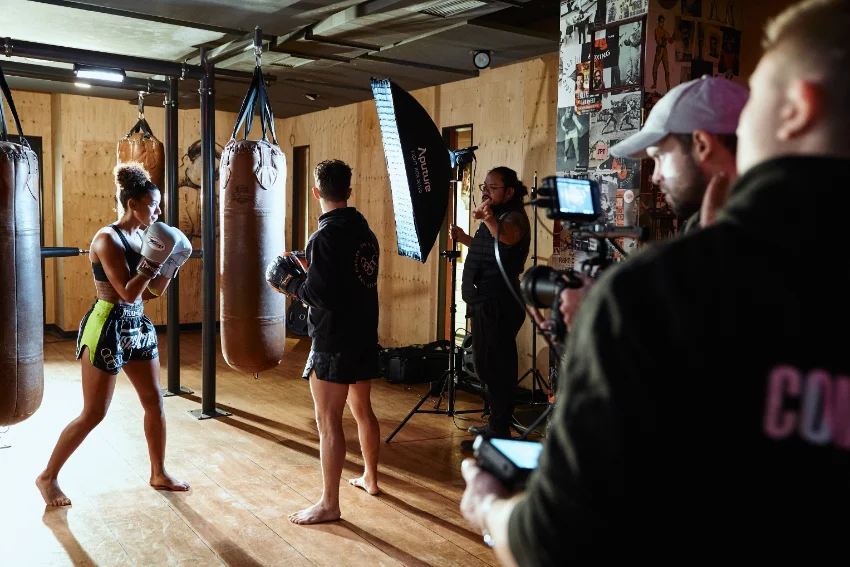
What materials need to be prepared before video production begins?
To ensure that the recording proceeds without interruptions, all necessary content should be available in full beforehand:
- Slides or screen examples
- Graphs, charts, or tables
- Working files, documents, or templates
- Checklists or worksheets
- Branding elements such as intros, outros, or on-screen text (if needed)
How do I record video course lessons?
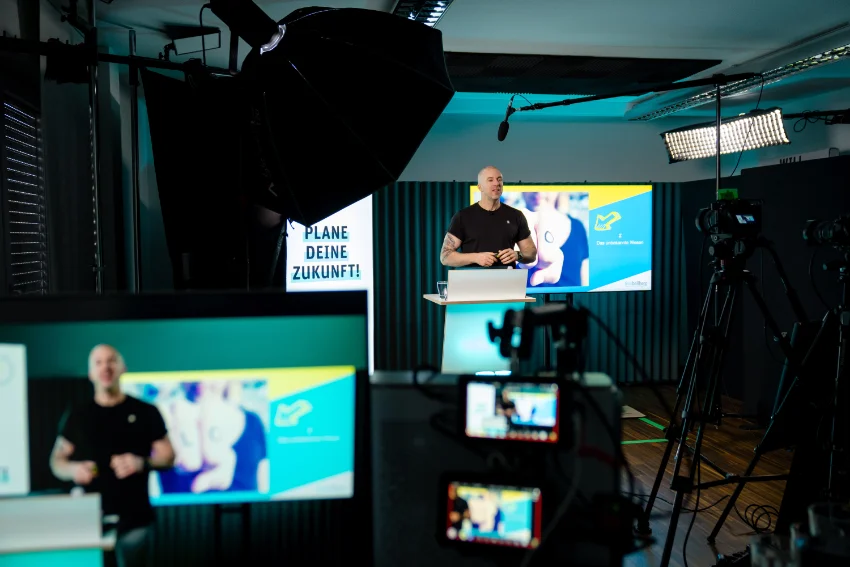
To ensure a high-quality recording, choose a format—such as a traditional in-person recording or a screencast—set up your recording environment with a stable audio source, even lighting, and a steady image, and follow a workflow that accounts for all potential factors: test audio levels, adjust lighting, check the background, and eliminate any disturbances in the room.
Which recording format is best for my video course?
The appropriate format depends on the content and the desired level of personalization.
- Camera shot (talking head): Suitable for explanatory or introductory segments; creates a sense of presence and builds trust
- Screencast: Suitable for computer-based demonstrations, has minimal production requirements, and provides a clear visual representation of processes and software
- Slides & voice-over: Suitable for theoretical content, models, or diagrams; reduces production costs.
- Combination: Camera for introductions and conclusions, screen or slides for the technical portion.
Most courses strike a good balance between using the camera for navigation and screencasts or slides for the actual content.
What equipment is needed for a video course recording setup?
A video course requires a setup that delivers consistent quality. Sound is the top priority, followed by lighting, and then video.
- Audio: External microphone (lavalier, USB microphone, or directional microphone), keep the microphone in a stable position, avoid echoes (e.g., curtains, carpets, keep a distance from smooth walls).
- Lighting: Soft front lighting (e.g., softbox or ring light), even illumination without harsh shadows, a consistent light source rather than natural light.
- Camera & Video: Webcam, smartphone, or camera with good image quality; a stable camera position (tripod); a visually uncluttered background without distractions.
- Screencast software (examples): OBS Studio, Camtasia, ScreenFlow (macOS).
How do I edit video course lessons?
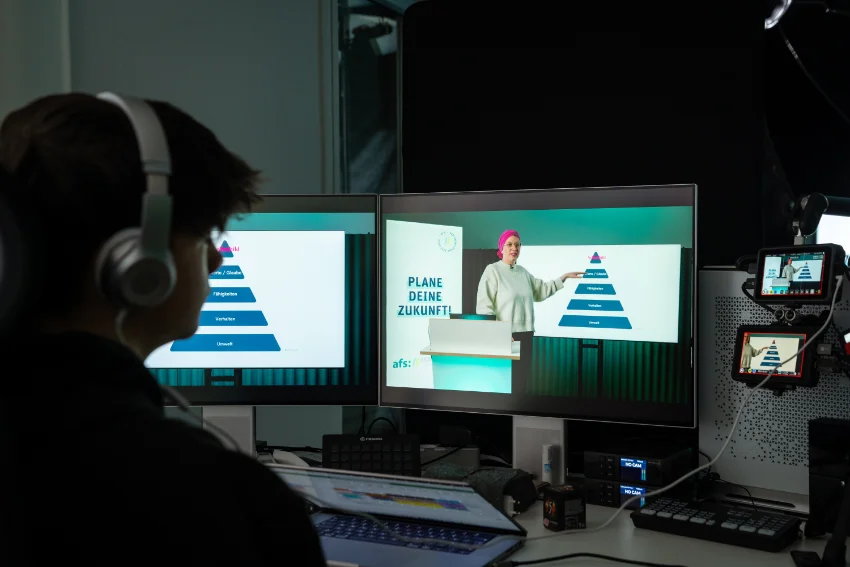
On average, you’ll remove pauses and gaps, organize the content using simple visual markers, and export the video in a format that works reliably on web and course platforms.
- Rough cut: Remove glitches, false starts, and long pauses.
- Adjust audio: Reduce background noise and balance the volume.
- Highlight key points: brief cutaways, markings, or zooms at relevant points.
- Add subtitles: generate automatically and correct manually.
- Export: 1080p, H.264, 25–30 fps, AAC-Audio.
DaVinci Resolve, Camtasia, Adobe Premiere Pro, Final Cut Pro, and Descript (for editing based on a transcript) are suitable for video editing.
What hosting and platform options are suitable for video courses?
There are three basic options for video courses: a course platform with a built-in member area, a self-hosted course platform with separate video hosting, or an internal system for corporate training. The right system depends on whether the course is sold externally, delivered externally, or used internally.
Course platform for video courses
A course platform is a good choice if you plan to host or sell your course externally and want the technical setup to be as simple as possible. Typical features:
- Members’ Area
- Payment processing
- Course Management
- Tracking Progress
Beispiele: Spreadmind, ablefy, Teachable, Thinkific, LearnWorlds, Kajabi, Moodle.
Dedicated video hosting for video courses
Self-hosting is a good option if you need more control over design, access, and data storage, or if you want to integrate the course into an existing website.
Common providers: Vimeo, Wistia, Bunny Stream, Cloudflare Stream.
Internal systems for video courses
Internal systems are required when strict compliance and data protection requirements apply. Otherwise, cloud providers such as Spreadmind or Memberspot also offer the option of making video courses available exclusively for internal company use.
Have a service provider create video footage
Producing a video on your own comes with many challenges:
- Technical equipment (camera, microphone, lighting)
- Location
- good sound and lighting setup
- Editing and Post-Production
- Time and expertise
Especially if you want professional-quality video content for your course, the effort and costs can quickly add up. Without experience, mistakes in audio, video, or lighting are likely, and the production process may take more time and resources than originally planned.
In such cases, it may make sense to outsource production. This gives you access to professional equipment and experienced staff without having to pay for your own equipment or build your own team.
We at Company 11 are an agency specializing in e-learning video production in Berlin. We also create corporate and promotional videos for businesses and bring experience from over 1,000 video productions for companies to the table.
- 10+ years of experience producing videos
- Over 1,000 videos produced for a wide range of industries
- Over 100 satisfied customers who successfully convey their messages
Creating a Video Course – Frequently Asked Questions
How long does creating a video course take?
Depending on the scope, creating a video course can take anywhere from a few days to several weeks. The shortest version consists of short lessons, screencasts, and a simple platform. Extensive courses that include video footage, multiple modules, and additional materials require significantly more time.
How long should a video course lesson be?
A lesson should be long enough to fully cover a single learning objective. The ideal length is between 2 and 10 minutes, because short sessions are easier for most learners to process.
What equipment do I need to create a video course?
The minimum requirements are a smartphone or webcam, an external microphone, and a steady light source. Sound quality is the most important factor, so the microphone should be your top priority.
What video editing software should I use for a video course?
For most course productions, DaVinci Resolve, Camtasia, Adobe Premiere Pro, or Final Cut Pro are suitable options. It is important that the software supports basic editing, audio editing, and subtitles.
Which platform is best for my video course?
Platforms such as Spreadmind, ablefy, Teachable, Thinkific, or Kajabi are well-suited for external courses. For internal courses, systems like Microsoft Stream, Moodle, or in-house LMS platforms are often used. If you need full control over design and access, using your own video hosting service—such as Vimeo, Wistia, or Bunny Stream—is a good option.